Auto Debit Meaning: What is EMI Auto Debit and How Does It Work?
Reviewed by: Fibe Research Team
- Updated on: 12 Aug 2026
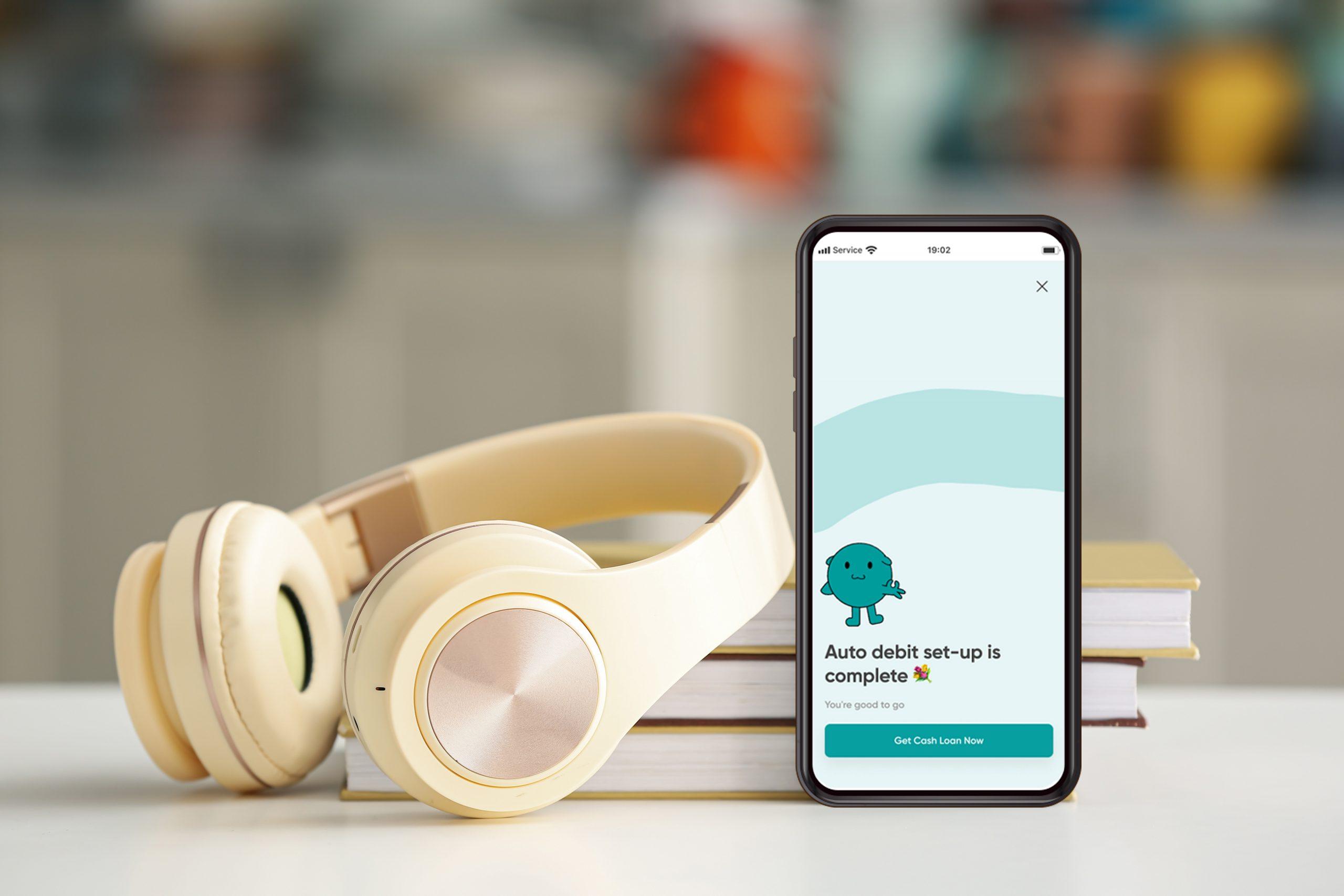
This article explains auto debit meaning in plain terms, covering what auto debit is, how EMI auto debit works for loan repayments and how it differs from UPI AutoPay. Read it in about 5 minutes to understand your rights, the setup process and how to use auto debit safely for loans, bills and subscriptions.
Auto debit meaning, in short: it is a facility that lets your bank or lender deduct a fixed bill, EMI or subscription amount from your account automatically on a set date, without you making the payment by hand. Once you set it up, you do not need to remember due dates or log in every month to pay. The bank does it for you, on time, every time.
This is exactly what people mean when they search ‘what is auto debit’. It runs on an e-mandate, a one-time permission your bank keeps using every cycle, usually set up during KYC or loan onboarding. It follows RBI and NPCI e-mandate rules , making it a safe, regulated way to automate recurring payments. This article covers how EMI auto debit works, your rights as a customer and how it compares with UPI AutoPay.
QUICK STAT
According to NPCI’s e-mandate framework, recurring payments above a set threshold require a pre-debit notification to the customer at least 24 hours in advance, giving you time to cancel or top up funds before the deduction happens. (Source: NPCI, e-mandate guidelines )
Table of Contents
- What is an Auto Debit?
- What Does ‘Auto Debit Enabled’ Mean?
- Example of Auto Debit in Action
- EMI Auto Debit: How It Works for Loan Repayments
- How Does Auto Debit Work?
- Your Rights While Using Auto Debit
- Types of Auto Debit Payments
- Auto Debit vs UPI AutoPay: What’s the Difference?
- Understanding RBI and NPCI e-Mandate Guidelines
- Benefits of Setting Up Auto Debit
What is an Auto Debit?
An auto debit is a standing instruction that lets your bank pull a payment from your account automatically on a fixed date each month. You approve it once and the amount moves without further action. It covers loan EMIs, credit card bills, insurance premiums, utility bills and app subscriptions – no more tracking due dates or risking a missed payment denting your credit score.
It is most commonly used for:
- Loan EMIs
- Credit card bills
- Insurance premiums
- Utility bills such as electricity and broadband
- Subscriptions like OTT platforms and apps
What Does ‘Auto Debit Enabled’ Mean?
When your bank statement or loan dashboard shows ‘auto debit enabled’, it simply means the standing instruction is active and the bank is authorised to deduct the payment on the scheduled date. It does not mean money has already left your account – it is a status flag confirming the mandate is live. If you ever want to check whether a particular EMI or bill is on auto debit, this is the label to look for in your net banking or app.
DID YOU KNOW?
‘Auto debit enabled’ is a status, not a transaction. Check your passbook or app history separately to confirm whether a deduction has actually gone through.
Example of Auto Debit in Action
Say you take a personal loan of ₹1,00,000 with an EMI of around ₹3,200 a month. During KYC, you authorise the EMI to be auto-debited on the 5th of every month. On that date, ₹3,200 leaves your account automatically and the lender confirms it – no app, no reminder, no manual transfer needed.
EMI Auto Debit: How It Works for Loan Repayments
For loans, EMI auto debit is set up at disbursal. The lender registers an e-mandate using your account and IFSC details, valid for the tenure unless cancelled. In practice:
- The EMI amount and due date are fixed for the full tenure, so there are no surprises
- The bank sends a reminder before the debit date so you can maintain sufficient balance
- A failed EMI debit due to low balance can attract a bounce charge and may affect your credit score, so timing your salary credit against the EMI date matters
- Some lenders allow you to choose the EMI date during application, useful if you want it to align with your salary credit
How Does Auto Debit Work?
Auto debit runs through four simple stages:
- You give permission: You authorise your bank or lender to deduct a fixed amount every month, usually during KYC or loan setup.
- Your bank sets an e-mandate: This is the formal authorisation that allows automatic deduction on a chosen date.
- The amount gets deducted automatically: On the due date, the bank debits the sum and sends a confirmation.
- You stay worry-free: Repayments stay on time, late fees are avoided and your credit history stays clean.
PRO TIP
Set your EMI auto debit date a day or two after your salary credit date. It gives your account a buffer and avoids failed-debit charges.
Your Rights While Using Auto Debit
As a customer, a few protections apply to every auto debit mandate you set up:
- You can cancel or pause auto debit at any time through your bank or lender
- You can dispute a wrong or duplicate debit directly with your bank
- You must receive alerts and SMS or email updates before and after each debit
- No lender can deduct money from your account without your explicit consent
These rights exist to keep the entire process transparent, so you are never caught off guard by a deduction you did not agree to.
Types of Auto Debit Payments
Auto debit is not limited to loans. It commonly covers:
- Loan EMIs: Personal loans, home loans, education loans
- Credit card bills: Full or minimum due amounts each month
- Utility bills: Electricity, water, broadband
- Insurance premiums: Monthly or annual policy payments
- Subscription services: OTT platforms, apps and memberships
Auto Debit vs UPI AutoPay: What’s the Difference?
Both automate recurring payments but run on different rails. Auto debit works through NACH mandates linked to your bank account and is standard for loan EMIs and insurance. UPI AutoPay is set up directly on a UPI app, more common for smaller subscriptions. Here is a side-by-side comparison:
| Aspect | Auto Debit (NACH) | UPI AutoPay |
|---|---|---|
| Setup | Bank account and IFSC based mandate | UPI ID based mandate on a UPI app |
| Common use | Loan EMIs, insurance premiums | Subscriptions, small recurring bills |
| Approval | One-time physical or digital NACH form | In-app approval with UPI PIN |
| Cancellation | Through bank or lender | Directly within the UPI app |
| Transaction speed | Processed in clearing cycles | Near real-time |
Both follow RBI and NPCI e-mandate rules, so security is comparable. The choice usually comes down to what the lender or biller supports, not which one is inherently safer.
Understanding RBI and NPCI e-Mandate Guidelines
Auto debit runs on a framework set up by the Reserve Bank of India and the National Payments Corporation of India. It mandates advance notice before large deductions and caps limits without extra authentication, keeping your money and data protected.
Benefits of Setting Up Auto Debit
For Individuals
- On-time EMI and bill payments without manual tracking
- No late payment fees or bounce charges
- A cleaner, more consistent credit history over time
- Less mental load – one less due date to remember every month
For Businesses
Businesses benefit just as much, since auto debit removes the need to chase customers individually.
| Benefit | How It Helps Businesses |
|---|---|
| Improves customer retention | Smooth, hassle-free payments reduce drop-offs and encourage customers to stay longer |
| Reduces administrative effort | Payments are collected automatically, cutting down time spent following up on unpaid bills |
| Minimises late payments | Fixed monthly dates mean businesses get paid on time without chasing customers |
| Enhances flexibility | Customers can enable, disable or set transaction limits on their own |
| Saves time | Recurring payments run on autopilot, saving effort for both businesses and customers |
In short, auto debit removes the friction from recurring payments, saving time, avoiding late fees and building a reliability track record that helps when you apply for credit later.
You can set up this kind of automatic repayment plan when you take a personal loan from Fibe. With simple documentation and quick approval, Fibe lets you finance travel, a wedding, education, shopping, home repairs, a medical emergency or gadget repairs, hassle-free. Apply online on Fibe.
Ready to make your loan repayments effortless? Apply for a Fibe Personal Loan and set up auto debit in a few taps.
FAQs On Auto Debit
1.How do I stop auto debit transactions?
Disable it through your bank’s app, at a branch, or by asking your lender to cancel the e-mandate.
2.Which bills or payments can I set up for auto debit?
EMIs, credit card bills, utility bills, insurance premiums, subscriptions and more.
3.Are there any fees or charges for setting up or using auto debit?
Banks usually don’t charge for setup. Some platforms may charge a small penalty for failed debits caused by low balance.
4.What does auto debit enabled mean on my bank statement?
It means the mandate is active and the bank is authorised to deduct on the scheduled date – a status label, not proof money has moved.
5.Is EMI auto debit safe?
Yes. It runs through regulated NACH or UPI AutoPay rails governed by RBI and NPCI rules and you retain the right to cancel, dispute or receive alerts.
6.Can I set up auto debit for more than one EMI from the same bank account?
Yes, you can register multiple mandates from one account, provided it holds enough balance to cover every scheduled deduction.